Sources: FBI IC3 2025 Internet Crime Report; U.S. Secret Service July 2026 BEC advisory.
Business email compromise is not a firewall problem. It is usually someone convincing a trusted person to move money — or quietly taking over the mailbox that payment requests come from.
According to the FBI Internet Crime Complaint Center’s 2025 Internet Crime Report, business email compromise accounted for 24,768 complaints and about $3.05 billion in reported losses — the second-highest loss category after investment fraud. The U.S. Secret Service’s July 2026 advisory points to the same IC3 picture: over $3 billion in annual losses. The FBI’s IC3 page on business email compromise defines it plainly: criminals compromise or impersonate business email (or related communications) to drive unauthorized transfers of funds.
If your organization pays invoices by email — and most do — business email compromise is a process and identity problem as much as a security-tool problem.
Business email compromise patterns that show up again and again
These are the business email compromise shapes finance and IT see most often. None of them require exotic malware.
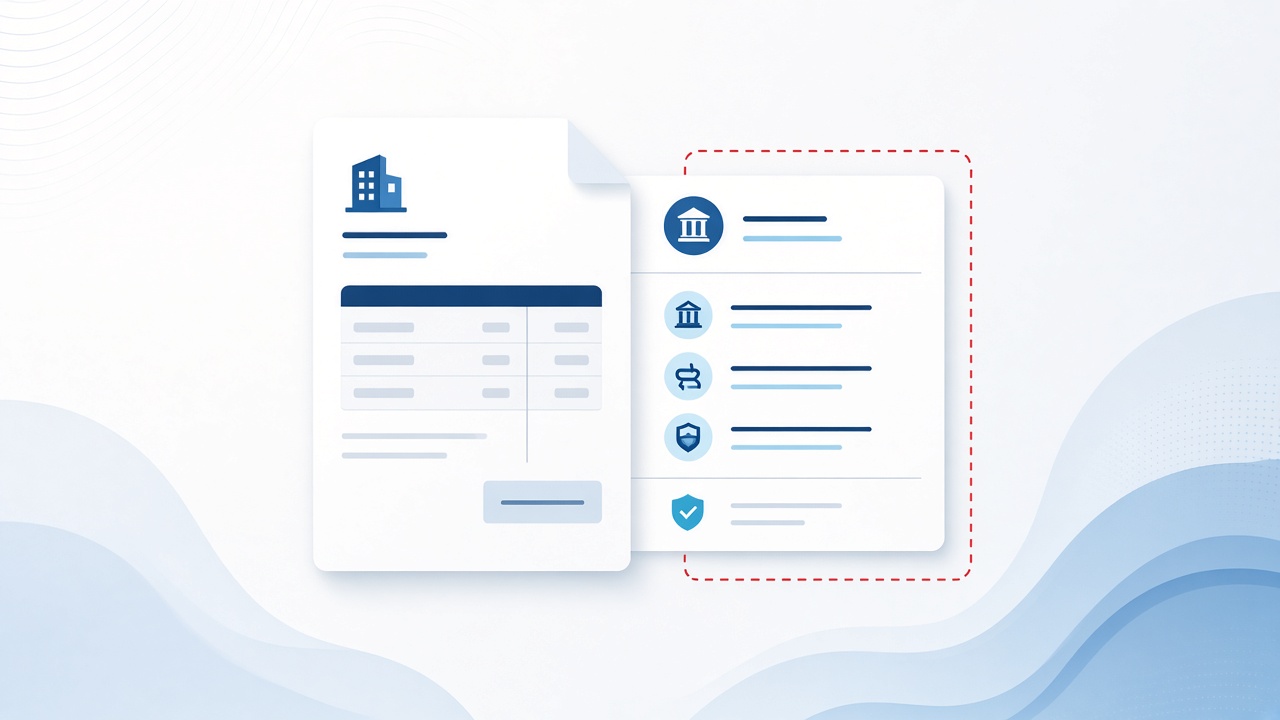
Vendor invoice redirect
A real vendor thread gets spoofed or a mailbox is taken over. The update looks routine: new remittance account, accounts payable moved, updated ACH details. Payment goes to the criminal’s account. IC3 and the Secret Service both describe this impersonation-and-instruction pattern as core BEC tradecraft.
Executive / authority fraud
A message that looks like it came from a principal or CFO: urgent, confidential, “I’m in meetings — wire this today.” Urgency is the feature. The Secret Service advisory flags false urgency and unreachable executives as common pressure tactics.
Fresh example: on September 10, 2026, Microsoft described a short burst of more than a million financial-fraud emails (87.7% of targets in the U.S.). Actors impersonated company executives, attached a fabricated vendor invoice, faked a forwarded thread, and pushed AP to process an ACH of nearly $50,000 — with indicators consistent with generative-AI template help. Lookalike domains were part of the kit. Microsoft found no evidence the real vendors were compromised; it was impersonation.
Lookalike domains and display-name tricks
Attackers use near-miss domains (for example, vendor-company.com versus vendor-compamy.com), or a display name that matches a trusted person while the actual address does not. Mobile mail clients make this easier to miss — which is why IC3 recommends enabling full email address display and verifying the real address.
Mailbox compromise, then patience
After phishing or intrusion, attackers often watch mail quietly: forwarding rules, invoice timing, who approves what. Then they insert themselves into a live thread. Secret Service notes monitoring victim email and joining conversations as trusted contacts.
AI-assisted wording
IC3’s 2025 report notes that generative tools can produce official-sounding executive or vendor email. Businesses reported over $30 million in losses to BEC scams with an AI nexus in 2025 — real, but small next to the overall ~$3 billion loss figure. Treat polished grammar as irrelevant; verify the request, not the prose.
Municipal AP, clinics, nonprofits, and mid-size vendors in Bakersfield and Kern County often share the same workflow: email, PDF invoice, and ACH change. That workflow is exactly what these attacks target.
MFA gaps that still feed business email compromise
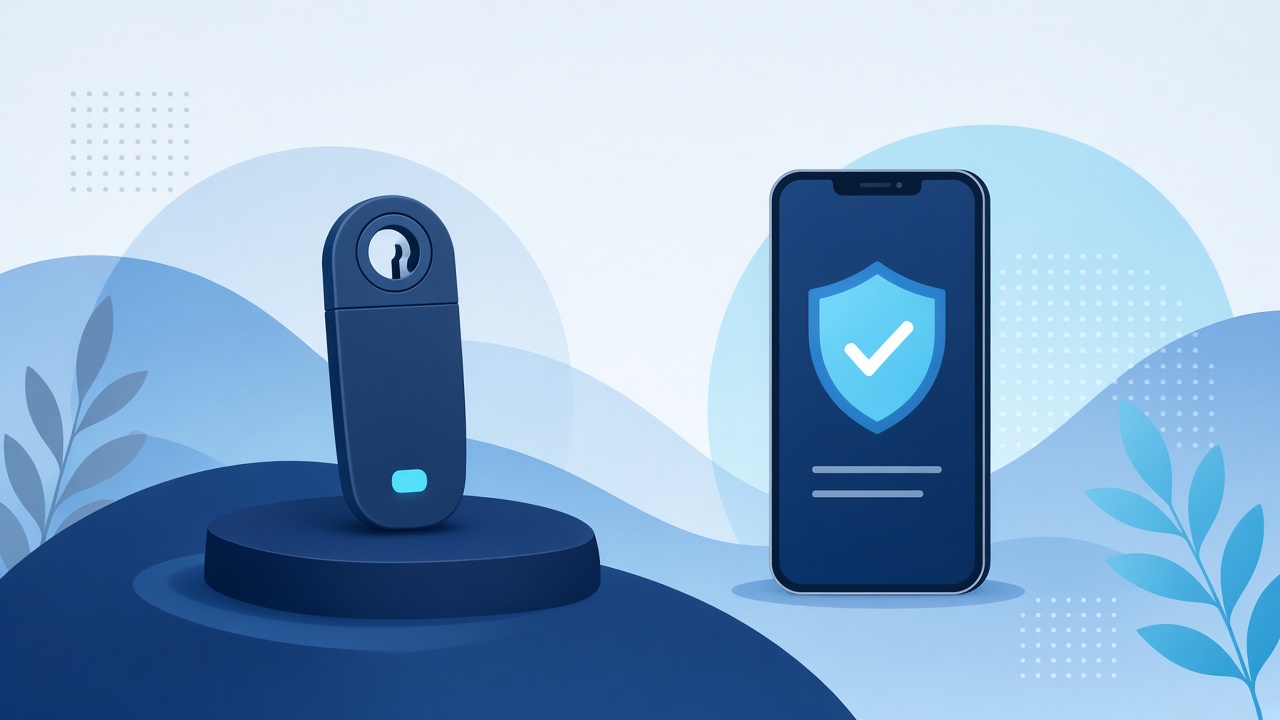
“We have MFA” is not the same as “MFA stops business email compromise.”
CISA’s guidance is explicit: any MFA beats passwords alone, but phishing-resistant MFA (FIDO/WebAuthn or PKI-based methods) is the standard organizations should migrate toward. See CISA’s Implementing Phishing-Resistant MFA and More than a Password.
Common gaps that still matter for email and finance accounts:
- No MFA on email / legacy auth — Password spray or leaked credentials can mean a full mailbox. Microsoft notes the vast majority of password spray and credential stuffing against Entra uses legacy protocols that skip modern MFA.
- SMS or voice OTP — Easy to socially engineer; SIM-swap risk.
- Push MFA without number matching — MFA fatigue / push bombing, where users approve prompts just to make them stop. CISA recommends number matching as an interim control.
- OTP / MFA codes given to “support” — FBI IC3’s Nov 2025 PSA on account takeover via financial-institution impersonation describes criminals tricking people into handing over MFA/OTP codes. The same pattern shows up in Microsoft 365 IT-support lures.
- Adversary-in-the-middle (AiTM) phishing — A fake login page proxies the real login and captures the session. Basic MFA can succeed for the attacker. Phishing-resistant MFA is designed to break this.
- OAuth / device-code token theft — FBI IC3’s May 21, 2026 Kali365 PhaaS PSA: the victim enters a device code on a legitimate Microsoft page; the attacker gets OAuth tokens and stays in Outlook, Teams, and OneDrive without further MFA. Mitigate with Conditional Access that restricts device-code flow.
- Finance accounts treated like everyone else — AP and executives need stricter Conditional Access, not the same baseline as a shared kiosk.
Microsoft’s guidance aligns: require MFA via Conditional Access (and consider authentication strengths / phishing-resistant methods) — see Require multifactor authentication for all users.
Bottom line: MFA is necessary. MFA that can be phished or talked out of a user is not sufficient for high-risk mailboxes and payment roles that business email compromise targets.
How to reduce business email compromise risk
Identity and mail controls
- Enforce MFA on Microsoft 365; plan phishing-resistant MFA (FIDO2 security keys, passkeys, or Windows Hello for Business where it fits) for admins, executives, and anyone who can move money.
- Turn on number matching for push MFA while you migrate.
- Block or tightly control legacy authentication.
- Restrict device-code and high-risk auth flows that enable token theft.
- Alert on new inbox rules, forwarding to external addresses, and atypical sign-ins.
- Use external email banners and show full SMTP addresses in Outlook.
Payment process controls
- Out-of-band verification for any bank-detail change or unusual wire — call a number you already have on file, not a number in the email (IC3 and Secret Service both stress this).
- Dual approval above a dollar threshold.
- A written AP playbook: who can approve, and what “urgent” never overrides.
- Vendor onboarding that confirms remittance details once, then treats changes as high-risk events.
Habits for anyone who pays invoices
- Slow down on urgency, secrecy, and “don’t tell anyone.”
- Check the real email address, not just the display name.
- Never read MFA codes aloud to someone who called or emailed you.
- If a vendor changed banks, call them on a known number before you pay.
- Report odd payment requests to IT before you click or reply with more info.
If you think business email compromise already hit a payment
- Call your bank immediately — request a recall or reversal and Hold Harmless / Letter of Indemnity paperwork.
- Preserve emails, headers, and transaction details — don’t wipe the mailbox.
- File at ic3.gov.
- Reset credentials; have IT hunt for forwarding rules and persistence.
- Do not continue using a compromised mailbox to talk to law enforcement (Secret Service).
How LTS can help
LTS helps Kern County organizations tighten the layers BEC actually hits: Microsoft 365 identity and Conditional Access, cybersecurity monitoring, and co-managed IT alongside your internal team — so finance process and technical controls move together.
For a practical review of MFA coverage, mailbox hardening, and AP verification workflow, speak with an engineer.
Related: Managed IT · Microsoft 365